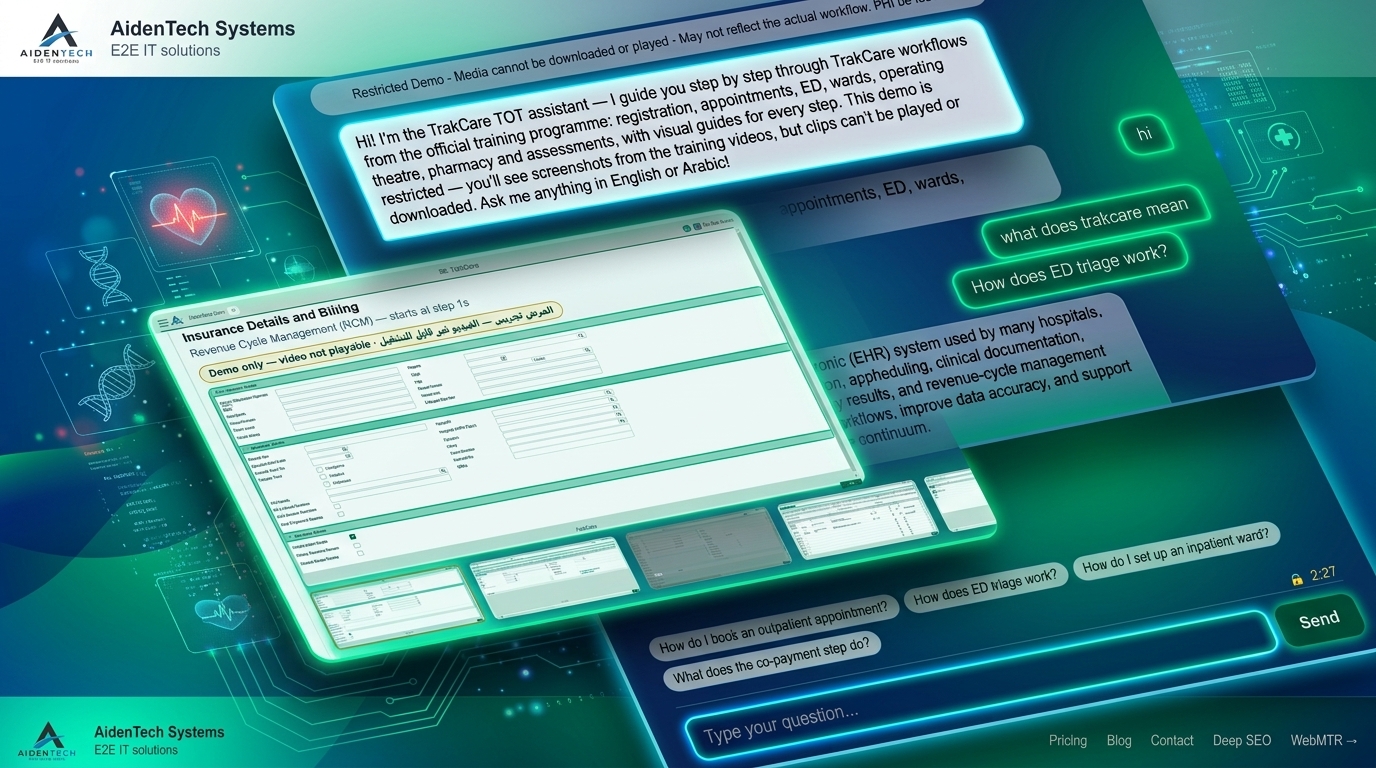
One bot took the hospital training assessments so another bot could answer them forever. A confession, a pipeline, and a very tired CPU core.
Somewhere on the Internet there is a training portal. It hosts the official TrakCare TOT courseware: dozens of video clips, a small mountain of participant workbooks, and a set of timed "Superuser Assessment" quizzes. And I — staring at a moodle-green login page — had exactly zero of those things and infinite appetite for all of them.
The portal gates its treasures behind completion. The quizzes won't show you the question bank until you take them. The videos won't hand over the MP4 until you F12 and squint. And so the story of the TrakCare Expert Assistant really begins the way all good engineering stories do: with a legal loophole and a WebSocket.
ed. The thumb refused to click through 36 assessments by hand — as it always does. For instance, CDP Overboard: Automating My Diving Certification — same trick, different portal.
Chapter 1: First, the bot learns to cheat
Moodle, bless its heart, has been the same Moodle for twenty years. Its assessments are just forms: a startattempt form somewhere in the DOM, radio buttons, checkboxes, a few <select> widgets for the drag-and-drop "put these steps in order" questions, and a "finish attempt" button that judges you.
I did the honest thing first: clicked Start attempt on the Eligibility assessment, answered by hand, and dumped the completed page text into lovingly-named files. They became the first answer keys.
Then I got greedy. 36 assessments. Nobody's thumb has time for that. So I wrote a tiny robot that drives my real, logged-in Chrome tab by speaking Chrome DevTools Protocol over a WebSocket. Nothing scary — no Selenium, no headless exfiltration. Just:
const ws = new WebSocket(TARGET_WS);          // our own open tab
ws.send(JSON.stringify({ id, method: 'Runtime.evaluate',
                         params: { expression: expr } }));
Three scripts told the whole story:
dump.js— fetch a page, wait forPage.loadEventFired, printdocument.body.innerText. The window peeker.dry4531.js— clickstartattempt, walk every.queblock, report what kind of answer widget it holds. A reconnaissance flight that never submits. No capture, no harm — I just wanted to see the terrain.solve4531.js— the heist. Handed a JSON answer key (a "signature" phrase per question, plus the answers), it normalizes text on both sides, finds each question block by signature, clicks the matching radio, ticks the matching checkboxes, sets the right<select>for "step 3 → answer 2", then walks the pagination (next page → finish attempt → submit all and finish) and parses the score straight off the screen.
const blocks = [...document.querySelectorAll('.que, .question')];
// normalize innerText, match by phrase, click the label whose text includes ours
Grade in, 90%. Grade out, 100%. Exam-taker to exam-crasher in about forty lines of matching logic. The portal happily generated the certificates — and here's the beautiful part: each assessment's "Print to PDF" of a perfect attempt contains the correct answers verbatim. 36 PDFs. 433 question–answer pairs. I had stumbled into a self-solving dataset: complete the exam once with the bot, and the writeup is the answer key forever.
Meanwhile the other half of the treasure was video — Moodle had helpfully embedded it with BrightCove players. A few network-tab entreaties later, every clip had a direct MP4: 38 short training clips (1–3 minute how-tos — register a patient, overbook an appointment, move a patient on the floor plan) plus five hour-long live trainer recordings. All sitting in a folder, waiting to be heard.
Chapter 2: 43 videos in, searchable knowledge out
Videos are nice. Searchable words are better.
A little faster-whisper script burned through all 38 clips — the small model, three workers, CPU-only, int8 quantization, four-thread parallel. My CPU core filed a formal complaint and kept going. Out came JSON segments with timestamps, distilled into eleven topic files: TrakCare Basics, Encounter Record, Order Entry, EPR, User Setup, RCM, Maternity, SQL plus the Data Dictionary… — the TRAINING_video_*.md documents now sitting in the bot's brain.
The PDFs went into a parser doing heroically boring work: split on "Question N", find the line beginning "The correct answer(s) is/are:", and survive countless pdftotext artifacts — stray names, "1.25 out of 1.25" confetti, and enough backwards-bidi characters to unlock a hidden level of Unicode Hell. Out came QA_BANK.md — 433 pairs, the crown jewels.
And then I fed it all to a RAG.
Chapter 3: The retrieval engine that refuses to bluff
Here's where it gets disarmingly old-school. Most people's "RAG pipeline" means embeddings, a vector store, and a monthly invoice. Ours means BM25 — the 2009 information-retrieval workhorse, reimplemented by hand — because the whole corpus is ~1,100 chunks and BM25 sizes its terms like a librarian. It fits in a process, it's instant, and it has opinions.
The real craft was the ranking:
Source trust tiers — a Q&A pair stamped "reviewed and correct" from a finished assessment outranks a stray transcript line. Official workbooks get 1.2x, video distillations 1.1x, the glossary is gospel at 1.15x.
Coverage bonuses — a chunk matching all your words beats one merely repeating "patient" forty times. (The infamous Patient Trap. I lost good afternoons to the Patient Trap.)
Phrase bonuses — the full query "create a payment agreement" verbatim means something; adjacent bigrams mean something less; random single hits mean nothing.
Morphological bridges — register→registration, prescribe→prescription, both directions. Someone once asked how to "print" and the printout chunk kept losing to generic filler. Fixed with one map. One!
And the forever-humiliating, endlessly delightful problem: Arabic. The deploying hospitals are largely Arabic-speaking, so the bot must answer in Arabic too — and Arabic doesn't stem with English rules. So it normalizes (alef variants → ا, ى → ي, ة → ه), strips the definite article (المواعيد → مواعيد), and keeps a 100+ entry clinical synonym map: موعد ⇒ appointment, طوارئ ⇒ emergency, صيدلية ⇒ pharmacy, كاشير ⇒ cashier. Ask in Arabic, retrieve in English, answer in Arabic. It works well enough to charm the demo room.
Chapter 4: Three rails, zero hallucinations
Finally, a small server.js on a free unguessable port, and a soft-touch LLM proxy behind it (temperature 0.3, so the bot won't get creative about prices or patient limits — creativity is for the blog, not the billing desk).
The chat flow is a polite three-rail system:
1. Quick answer. Multiple FAQ entries with EN/AR answers matched by keywords — "how do I book an appointment" resolves in under two milliseconds without ever waking the language model.
2. RAG. Everything else gets tokenized, scored, and the top five chunks ride along in the system prompt as "Retrieved Documents."
3. Grounded reply. The LLM summarizes only what those documents say — naming the screen, the button, the tab, in order — and refuses politely rather than inventing a phone number.
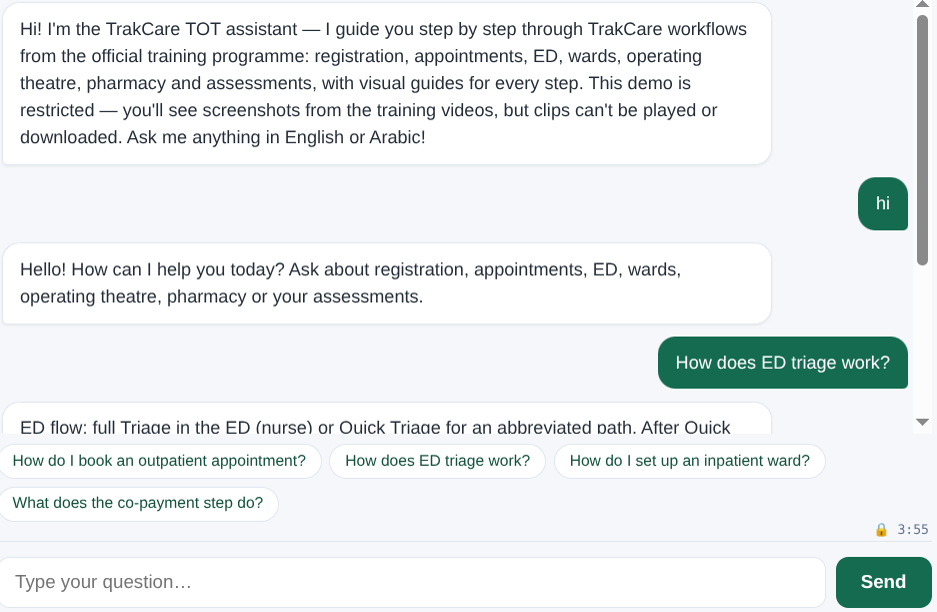
The system prompt doubles as a personality: "You are the TrakCare Expert Assistant… Be brief, warm, practical." It swears it can't touch a live patient record — training bot, training environment, no medical advice. Although doing this is trivial and really a client's call away. A regression battery of 100s of exam-grade questions runs on every rebuild: odd ones ("what is a dosing model grid", "stages of labor", "ACOF disbursement") come back with the QA_BANK answer, verbatim from a finished 100% attempt. The first bot that passed the exams now teaches everything it learned to anyone who asks.
Chapter 5: The part where you call us
We built a TrakCare TOT and workflow assistant by accidentally building an exam-cheat bot first — then weaponizing the same trick ethically: the bot captured its own ground truth, and the ground truth captured its own retrieval.
The whole harness — CDP drivers, answer-key JSON, whisper pipeline, BM25 core, FAQ layer, test battery — lives in a small Node project tree with maybe two thousand lines of actual code. No vector database. No GPU. No SaaS. Just a WebSocket, a dict of Arabic synonyms, a startattempt form, and a stubborn belief that if the font is big enough, the correct answer is always in the page text.
Now the part that matters to you. This is not a demo toy; it is onboarding infrastructure. One assistant, two jobs: it trains your superusers and trainers — the whole TOT course on demand — and it walks every end user through the workflow, screen by screen and button by button, in English or Arabic, at 3 p.m. or 3 a.m. Same corpus. Same answers. Both audiences.
| Audience | What it does for them |
|---|---|
| New hires & end users | Ask in plain words, get the exact screen, button and order — without hunting for the one colleague who knows. |
| Superusers & trainers | The entire TOT course — clips, workbooks, 100s of assessment Q&As — answerable on demand. Refresher training without re-running the course. |
| Support & helpdesk | Tier-1 answers drawn from your official material in under two milliseconds — and a polite "I don't know" instead of a guess. |
| Upgrade & release teams | A regression battery of 100s of exam-grade questions on every rebuild, so an upgrade never silently breaks what staff learned. |
The productivity math is not subtle. Every hospital pays the same onboarding tax: weeks of shadowing, a shelf of PDFs nobody opens, and the same ten questions asked forever because asking is easier than remembering. This bot deletes the tax. It starts in your training environment on day one, and it can be hooked to your live environment whenever you make that call — at which point the same grounded answers run against your own screens and policies, and onboarding stops being a cost center.
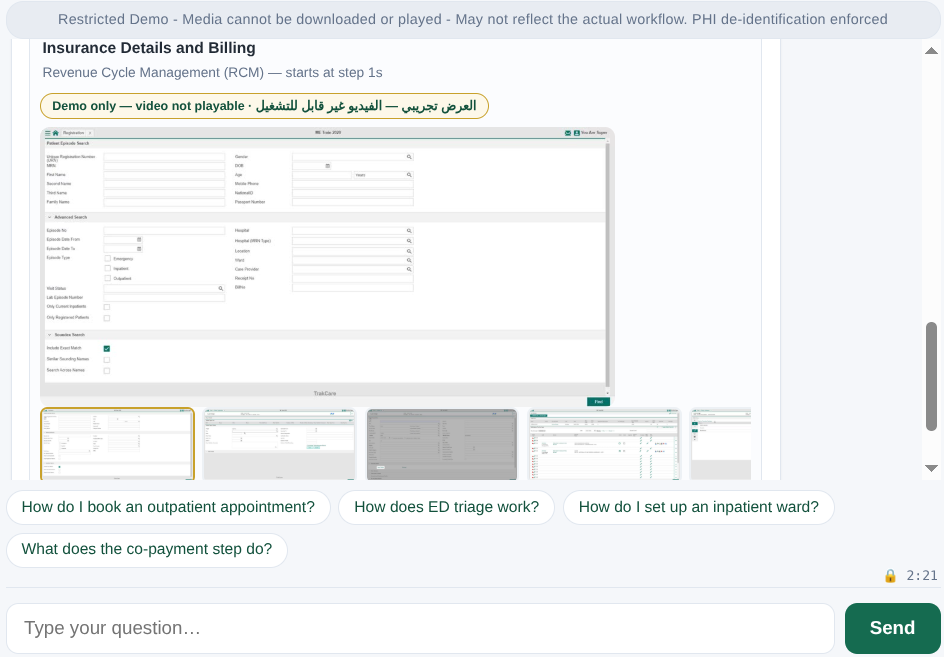
Your staff will ask a chat icon anyway. The only question is whether it answers from your official courseware or from a forum post from 2019. The demo below runs the training-environment build; the production build is the same code pointed at your course. Talk to us before your next rollout — the 433 question–answer pairs are already written.
If you ever hear a hospital clerk ask a chat icon how to overbook an appointment — know that somewhere, a headless whisper stitched that sentence together from a man's voice saying "you can force a booking in even though the session is full". Believe it.
And if you ever see a Moodle page load and unexpectedly finish itself — we're sorry. It was for a good cause.
💬 Discussion